Just a couple of updates as we start to wrap up this crazy year!
Enable class "Insights" in Teams to see the digital activity happening in your class. Only the teacher can see this information.
You'll need to do this for each Team you have created:
- Click "+" to add a tab on the top
- Select "Insights" as a new tab (search for Insights if you don't see this on the default list)
Once you have added Insights you will see the reports.
Digital activity will tell you the activity of the students in your Team. You can look at one day, 7 days, 30 days, or all time.
If you are looking at a single day, you can also see what students were doing - viewing, commenting, etc.
And you can now track Teams Meeting attendance.
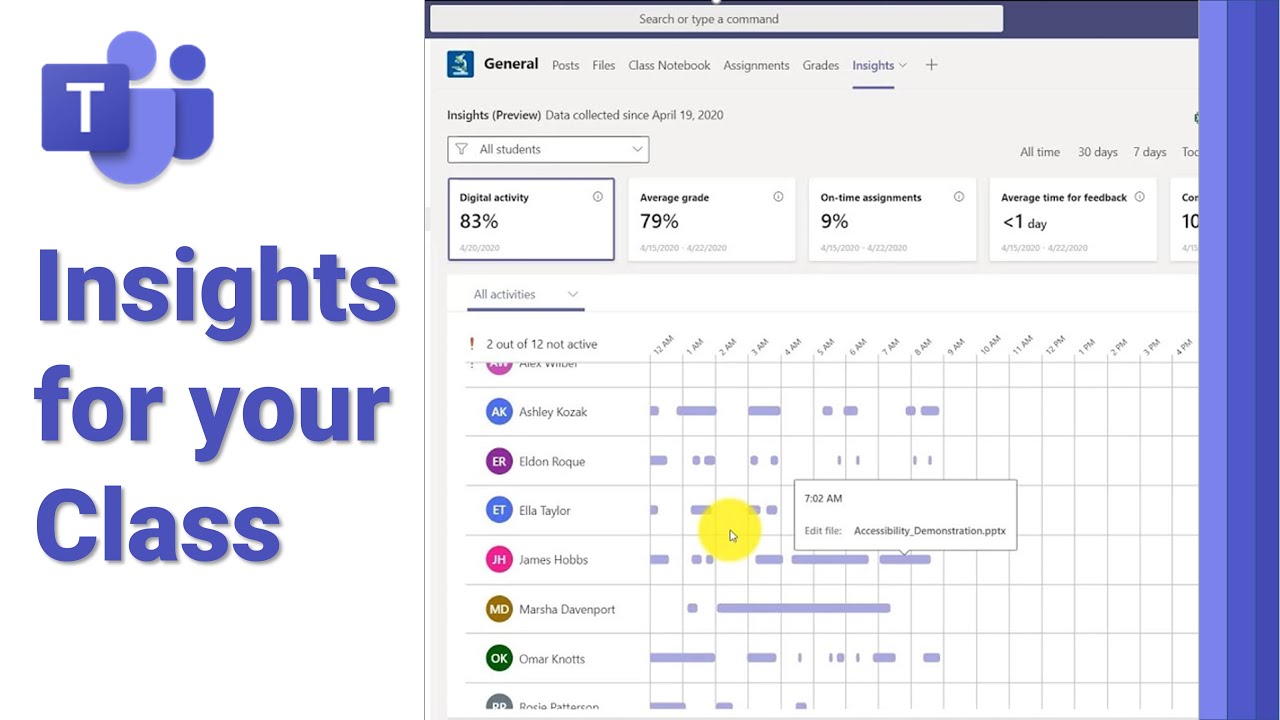 | Learn how to use the new Insights feature in Microsoft Teams. Understand the digital behavior in your class, assignments and feedback patterns in a few click... t.co |
I know we're at the end, but if you are working on ways to enhance your curriculum (or contingencies) for next year, Screen Recording in Microsoft Stream is now live for us. This is a safe & secure browser-based screen recording tool. You can also check-out the app for recording desktop lessons and upload those directly to Stream. I'm working on some Stream tutorials and will send those as soon as they are ready.
 | How to use the new screen recording feature using Microsoft Stream. Web based, very easy to use, and save the video to Stream. Great for recording classes an... youtu.be |
Thank you!

No comments:
Post a Comment