Join @sdelafosse, Chiho Nakagawa and @mimishamsuddin and @mrsclaybar, on May 19 at 7pm Texas time (CST) to hear #MIEExperts share how they are supporting students with powerful #remotelearning tools @MicrosoftEdu@mtholfsen @AnthonySalcito https://t.co/xOamgJUP9s pic.twitter.com/G5lXsUEbSv
— Melanie Claybar (@mrsclaybar) May 14, 2020
Thursday, May 14, 2020
Microsoft EduDays - Remote Learning Tips and Tricks from MIE Experts

Wednesday, May 13, 2020
Microsoft Teams Insights
Just a couple of updates as we start to wrap up this crazy year!
Enable class "Insights" in Teams to see the digital activity happening in your class. Only the teacher can see this information.
You'll need to do this for each Team you have created:
- Click "+" to add a tab on the top
- Select "Insights" as a new tab (search for Insights if you don't see this on the default list)
Once you have added Insights you will see the reports.
Digital activity will tell you the activity of the students in your Team. You can look at one day, 7 days, 30 days, or all time.
If you are looking at a single day, you can also see what students were doing - viewing, commenting, etc.
And you can now track Teams Meeting attendance.
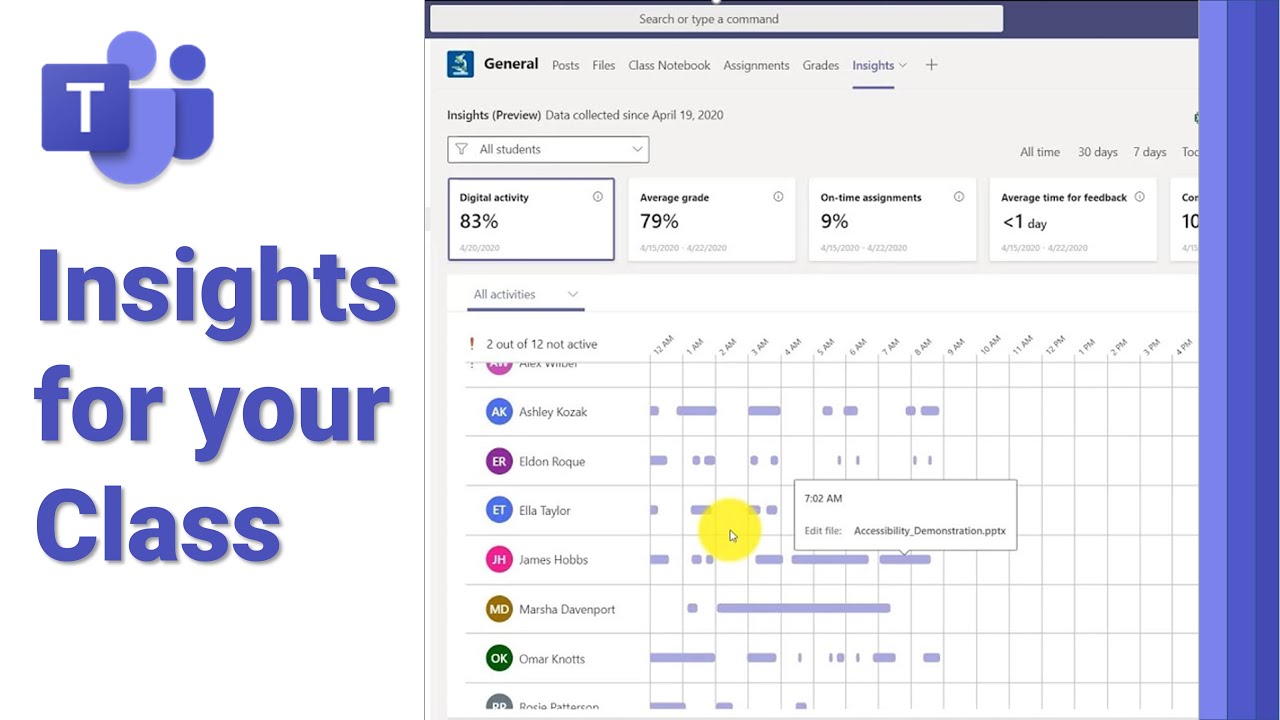 | Learn how to use the new Insights feature in Microsoft Teams. Understand the digital behavior in your class, assignments and feedback patterns in a few click... t.co |
I know we're at the end, but if you are working on ways to enhance your curriculum (or contingencies) for next year, Screen Recording in Microsoft Stream is now live for us. This is a safe & secure browser-based screen recording tool. You can also check-out the app for recording desktop lessons and upload those directly to Stream. I'm working on some Stream tutorials and will send those as soon as they are ready.
 | How to use the new screen recording feature using Microsoft Stream. Web based, very easy to use, and save the video to Stream. Great for recording classes an... youtu.be |
Thank you!
Saturday, May 9, 2020
ELL Resources
I've been so impressed with the Microsoft accessibility tools for ELLs, SpEd, struggling learners - really everyone - so I'm trying to spread the gospel. 🙂
 | Ensure inclusion of English Language Learner (ELL) students and their parents with these quick video tips using free Microsoft Education tools and products. ... www.youtube.com |
Friday, May 8, 2020
Monday, May 4, 2020
Wednesday, April 29, 2020
PowerPoint Resize Slides
Did you know that you can resize the slides in PowerPoint?
(This is a silent, 20-second video so you don't even have to hear my voice!  )
)
)
I use PowerPoint almost exclusively for creating handouts, worksheets, posters, etc. You can change the size to regular paper size, 8 1/2 x 11 or 8 1/2 x 14, or create a custom size which is great for creating infographics. In PowerPoint, it is much easier to add images and manipulate the elements on the page than in Word so you can make sure the graphics and text stay in place.
Tuesday, April 28, 2020
Microsoft Forms - Sharing
Many of you are using forms and may want to share these or collaborate with other teachers. Here is a quick video explaining the different ways to share a Microsoft Form (or Quiz.) This is a great feature for those of you teaching the same subjects or to share a Form that you think may be helpful for other teachers.
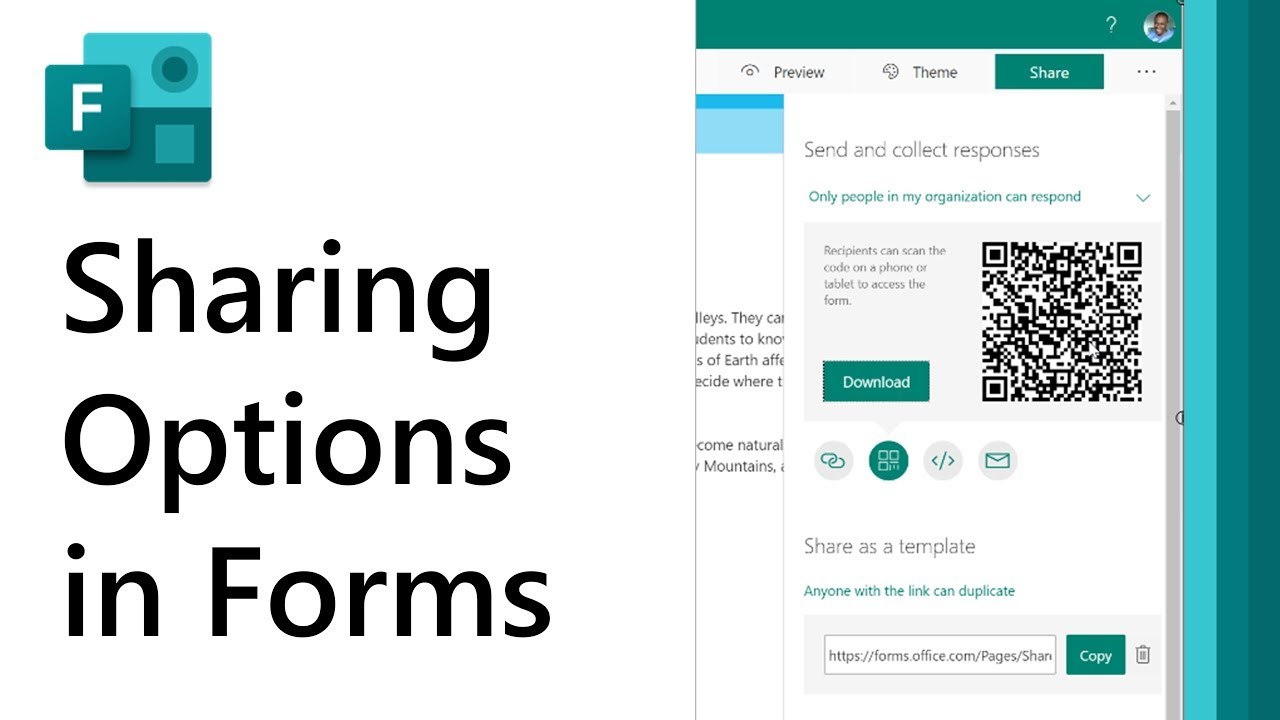 |
There are various ways to share and collaborate with Microsoft Forms. This videos gives a quick tour of the different options available. More here: https://s...
youtu.be
|
Subscribe to:
Posts (Atom)